n8n for freelancers
Receipts in Gmail, one row in Sheets. Never paid.
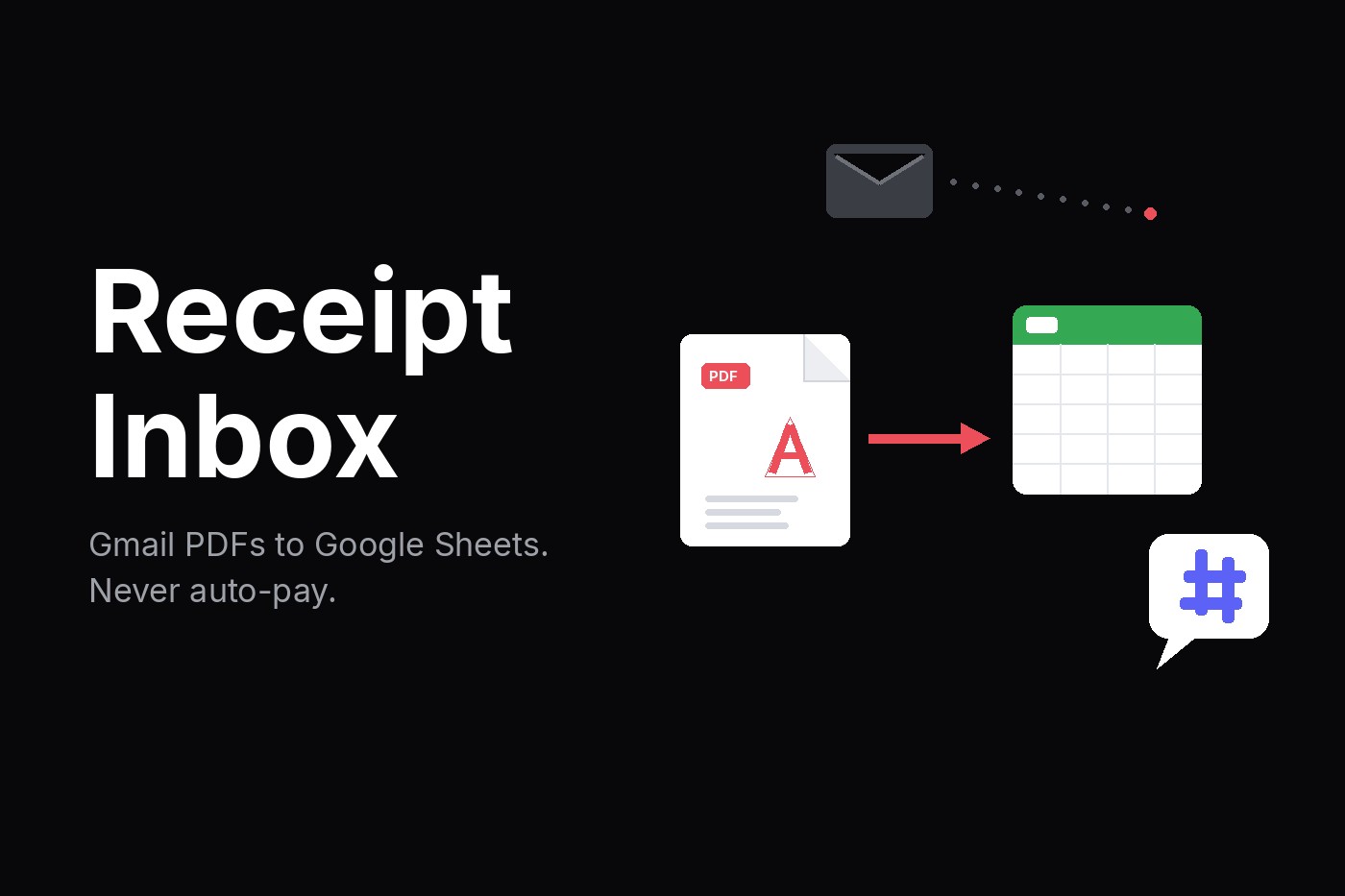
Two workflows. Regex on the PDF by default. Below 70 confidence, a human has to look. Receipts land in Sheets and Drive. Never paid.
Who it is for
Freelancers and tiny agencies who live in Gmail and Sheets, not expense software. Invoice Inbox logs bills you owe. This logs receipts you bought.
Hard scans: Invoice OCR Prompt Pack. Silent failures: n8n Fail Alert. Paper first: Never Auto-Pay.
How to start
- Buy the zip on Gumroad. You get two n8n workflows.
- Import both into your n8n.
- Connect Gmail, Google Sheets, Drive, and Slack.
- Turn them on. They poll Gmail for receipt PDFs and append Sheets rows.
- Below 70 confidence, the row is needs_review and Slack gets a ping. A human looks.
What you get
- Polls Gmail for receipt PDFs and writes merchant, amount, and date to Google Sheets.
- Default extract is regex on PDF text. No LLM required to run.
- Stores the PDF in Drive. Confidence under 70 writes needs_review and pings Slack.
- Never talks to a bank, never pays anyone, never emails the merchant.
If you already run Expensify or full receipt bookkeeping, skip this.